
The Consignor Portal
Learn how to create items and print labels
Looking for more help? Navigate through our tutorial videos for insights into creating categories, consignor accounts, entering inventory, adding fees, and deploying discount schemes.
Learn how to create items and print labels
Learn how to pay out and adjust consignor accounts
Learn how to create consignor accounts and change sales split percentages (when different from default split)
Learn how to create inventory via the Take-In Screen
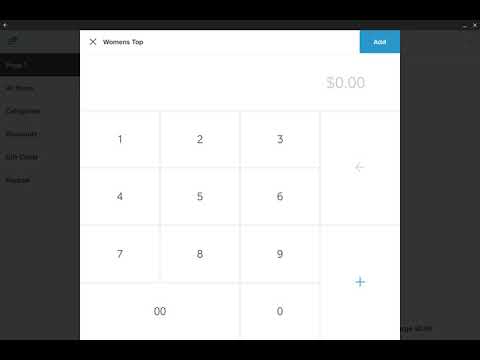
Learn how to set up the point of sale for non-inventoried items from Square POS (items not inventoried in Rose but sold at the POS)
Learn how to set up item fees & Square taxes
Learn how to install the Dymo Labelwriter Printer
Learn how to edit and post Square sales batches
Learn how to remove selling inventory - donations and returns
Learn how to edit inventory, fix mistakes, and reprint labels
Learn how to create users (staff) and assign restrictions in Rose
Navigate our Support Center knowledge articles for assistance on various platform topics. From Frequently Asked Questions to in-depth guides, we've got you covered.
How-to guides relating to Square's Point of Sale

How-to guides to create inventory, run inventory reports, and more
Recommended and required hardware for Rose and Square

How-to guides to create consignor accounts, unlock vendor access to portal, and post sales to consignor accounts
How-to guides for assessing fees, rent, printing checks, creating new users, and fixing sales batch totals
How to set up and add items to your online store